
Small party
Up to 50 guests
DKK 599
Up to 3 event days included
Choose this packageOne QR code gives your guests a place to find what they need before, during and after the party. Keep the invitation, schedule, photos and messages together on your guest page.
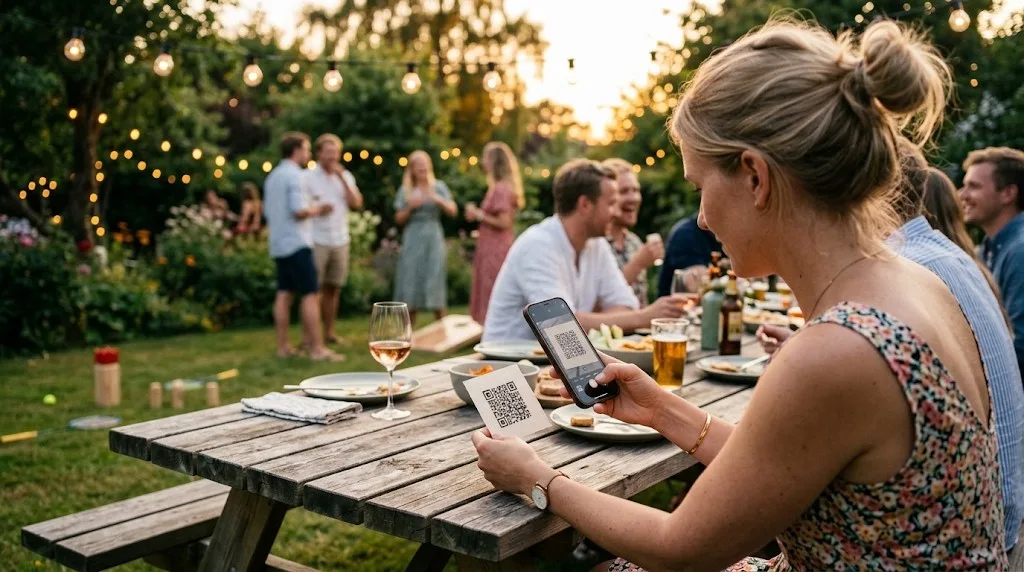
One guest page from invitation to after the party. Schedule, photos and the big screen, plus the rest under Features.
Invitations and RSVPs, schedule, menu, practical info, photos and guestbook. Guests scan and they're in, no app.
New photos and messages roll in during dinner. Connect a laptop to the projector.
A private mobile view for the evening: tasks, approvals and control of what guests see.
Get a free trial page and we set it up for you. You fill in the content. Guests don't need to install anything or create an account.
You can send invitations and let guests RSVP right on the invitation page. You also plan the schedule, menu and practical details for the guest page. Read more about party planning with a guest page.
Guests open the same guest page: schedule, menu and practical info, photos and guestbook. New photos and messages can roll live on the big screen. No app and no login.
Guests can still upload if you keep the page open. Afterwards you get one download link with the photo set and guestbook, so the memories stay in one place.
Wedding, company or summer party: the same guest page, tuned to the occasion.
One package price by guest count. Up to 3 active event days included. No hidden add-ons.
Up to 50 guests
DKK 599
Up to 3 event days included
Choose this packageUp to 100 guests
DKK 999
Up to 3 event days included
Choose this packageUp to 200 guests
DKK 1,899
Up to 3 event days included
Choose this packageUp to 500 guests
DKK 3,499
Up to 3 event days included
Choose this packageEverything included: invitation and RSVP replies in the app, schedule, menu, practical info, photos, guestbook, live TV, photo booth software, toastmaster, print kit, your own link and a bundled download after the event. Free trial page for 30 days. When you pay, you continue on the same page (you do not start over). (You send the invite yourself — we are the guest page, not an email provider.)
Extra active event day: DKK 399. Invitation and info before the day do not count.
More than 500 guests? Contact us for a quote.
Get a free trial pageNo. Everything happens directly on the phone. Guests scan the QR code and are up and running straight away, no app install, no account creation.
After your event we email a personal link to one bundled download with the guests' photos at full resolution (ready to print) plus guestbook exports. You can also fetch the same package from admin under Photos while the link is active. Save the package locally in good time: the link typically lasts about 30 days. We are a tool for the party, not a long-term archive.
No. It is a shared place for your schedule, menu, practical details, photos and guest messages. Invitations and RSVPs are there if you would like to start using it before the party. See the full list under Features.
See the packages above: fixed price by guest count with up to 3 event days included. Extra event days have a flat add-on. Invitation and info before the day do not count. Got more than 500 guests? Contact us.
Yes, in two ways. The public demo at fest-appen.dk/demo needs no sign-up. Want your own page? Get a free 30-day trial via the form: you can test with up to 5 photos, 3 guestbook messages and 5 RSVP replies. Order in admin when you are ready. When you pay, you continue on the same guest page with the setup you already made. Pay by card or bank transfer.
Photos are stored on servers in Denmark with Simply.com (EU). During the event, guests with your QR code or link can see the gallery and slideshow, and the organiser and toastmasters you invite can manage it. Afterwards you download the package. We are not a long-term archive. See the privacy policy for details.
Yes. Turn on pre-approval so new photos stay hidden until you or the toastmaster approve them on a phone. Only then do they appear on the guest page and big screen. You can also delete or reject uploads straight away from the toastmaster phone view or admin.
Yes. Gallery and the big screen may use lighter formats for speed, but the download package contains the original files at full resolution, ready to print or archive locally.
Fill in the form and we create your guest page. You get login by email, typically the same weekday (weekend: next business day), and a free 30-day trial with limited test content. No commitment until you order and pay. When you pay, you continue on the same guest page with the setup you already made.
Proven at our own summer party with around 100 guests. Get a free trial page and we set it up for you.